Overview
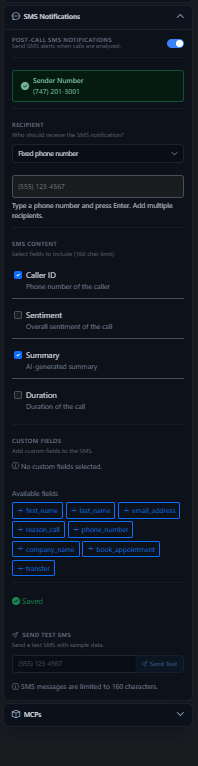
The Send SMS tool lets your agent transmit text messages mid-call — useful for sending confirmation links, appointment details, or follow-up information without ending the conversation.This feature requires a phone number with SMS enabled, or a UponAI SMS-approved number.
Sending Options
UponAI SMS-approved numbers
Pre-approved for immediate use. Message content uses a preset template — no customization allowed.
Agent's associated number
Requires A2P application approval. Allows fully flexible message content via prompts or static text with dynamic variables.
Message Configuration
When using your agent’s number, you can configure:- Dynamic content: Use a prompt so the LLM generates the message based on conversation context
- Static content: Set a fixed message with dynamic variables like
{{customer_name}}or{{appointment_time}}
Recipient
By default, the SMS goes to the caller’s number. You can also route to an alternate number using:- A static value (e.g.
+14158923245) - A dynamic variable (e.g.
{{customer_phone}})
Companion Settings