Overview
Transfer Call enables your agent to hand off a conversation to a human agent or another destination mid-call.Setup
1
Add the tool
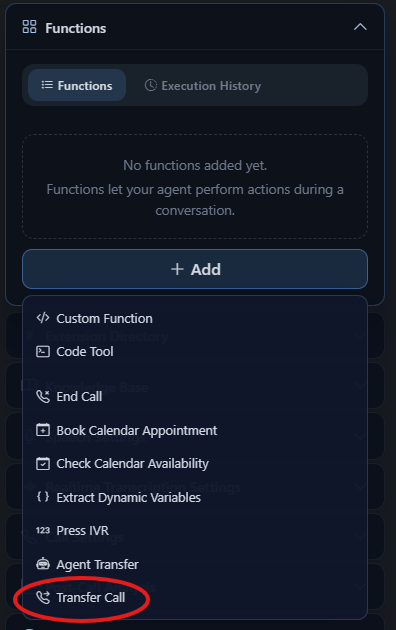
In your agent’s Functions section, click + Add and select Transfer Call from the dropdown.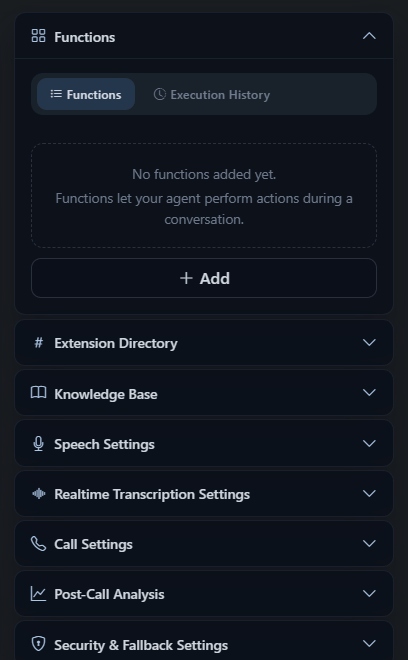
2
Choose a transfer type
Select how the AI should handle the handoff: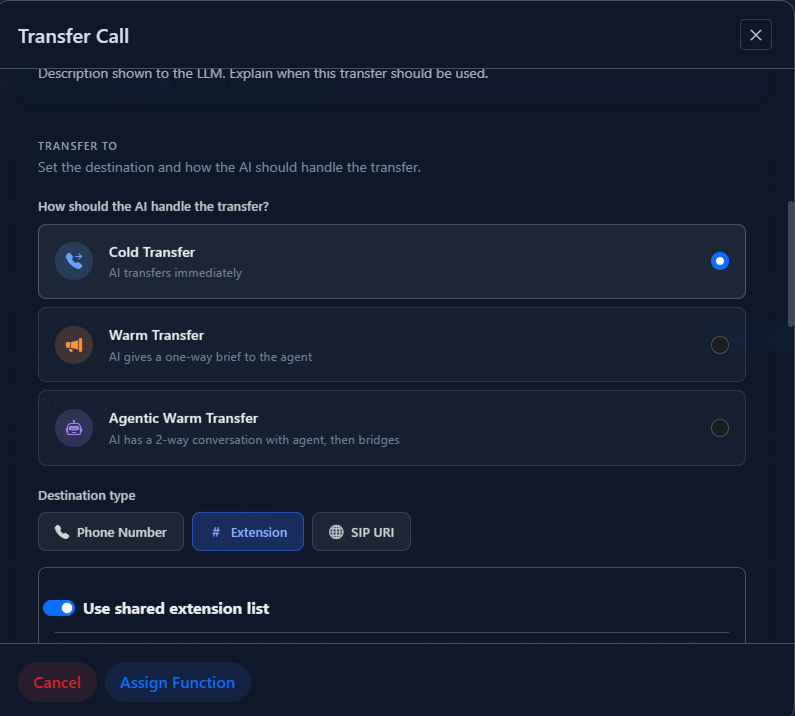
3
Configure the transfer destination
Provide the number or SIP URI to transfer to: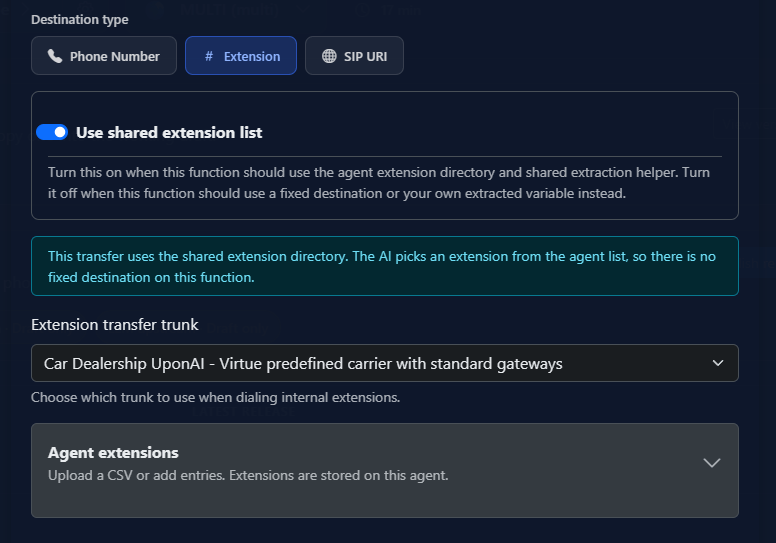
You can also include optional extensions, or use dynamic variables to set the destination at runtime.
4
Update your prompt
Tell the agent when to trigger a transfer. Example:
Transfer Types
Cold Transfer
Direct handoff. The AI agent disconnects immediately after routing the call — no introduction.
Warm Transfer
The AI agent stays on briefly to detect human presence, deliver a whisper message, and introduce the caller before dropping off.
Warm Transfer Options
Additional Options
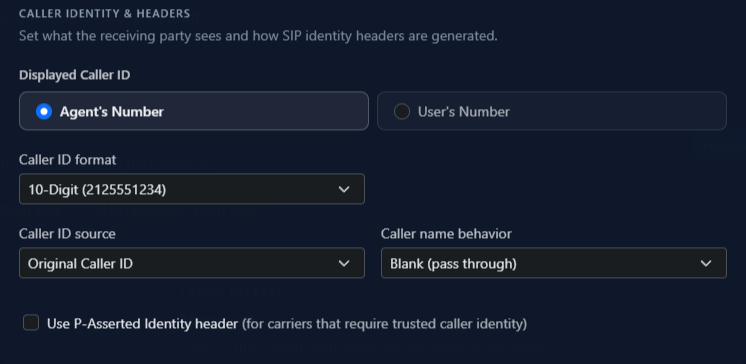
- Caller ID: Show the agent’s number or the original caller’s number (depends on telephony provider support)
- Custom SIP headers: Add headers prefixed with
X-or labeledUser-To-Userfor routing and metadata